
Download Wallpaper Engine – Interactive Animated Wallpapers for Android
Overview
Wallpaper Engine is a dynamic mobile application that extends the interactive desktop experience to Android devices, allowing users to transform their smartphone screens with animated and responsive wallpapers. Designed to complement its desktop counterpart, the app enables users to enjoy the same vibrant, live visuals on their mobile devices. The app is particularly useful for individuals who value personalization and visual immersion, offering a way to elevate the aesthetic of their smartphone beyond static images. While the primary functionality is rooted in the Steam ecosystem, the companion app brings this experience to mobile users seeking a more engaging interface. The application serves as a bridge between desktop and mobile customization, allowing seamless synchronization of wallpapers created or selected via the desktop version. This makes it ideal for users who already use Wallpaper Engine on their PC and want consistent visual themes across devices. The app supports a wide range of content types, including animations, videos, and interactive web-based visuals, though specific technical details about compatibility or supported formats were not disclosed by the developer. Wallpaper Engine’s presence in the mobile space highlights a growing trend toward cross-device personalization. By enabling users to carry their favorite desktop environments to their phones, it enhances user engagement and satisfaction. The app’s integration with the Steam Workshop community also opens doors for content sharing and collaboration, fostering a vibrant ecosystem of creators and enthusiasts. Although the developer did not provide additional technical details, the app’s core purpose remains clear: to deliver a visually rich, customizable experience on Android.Key Features & Functionality
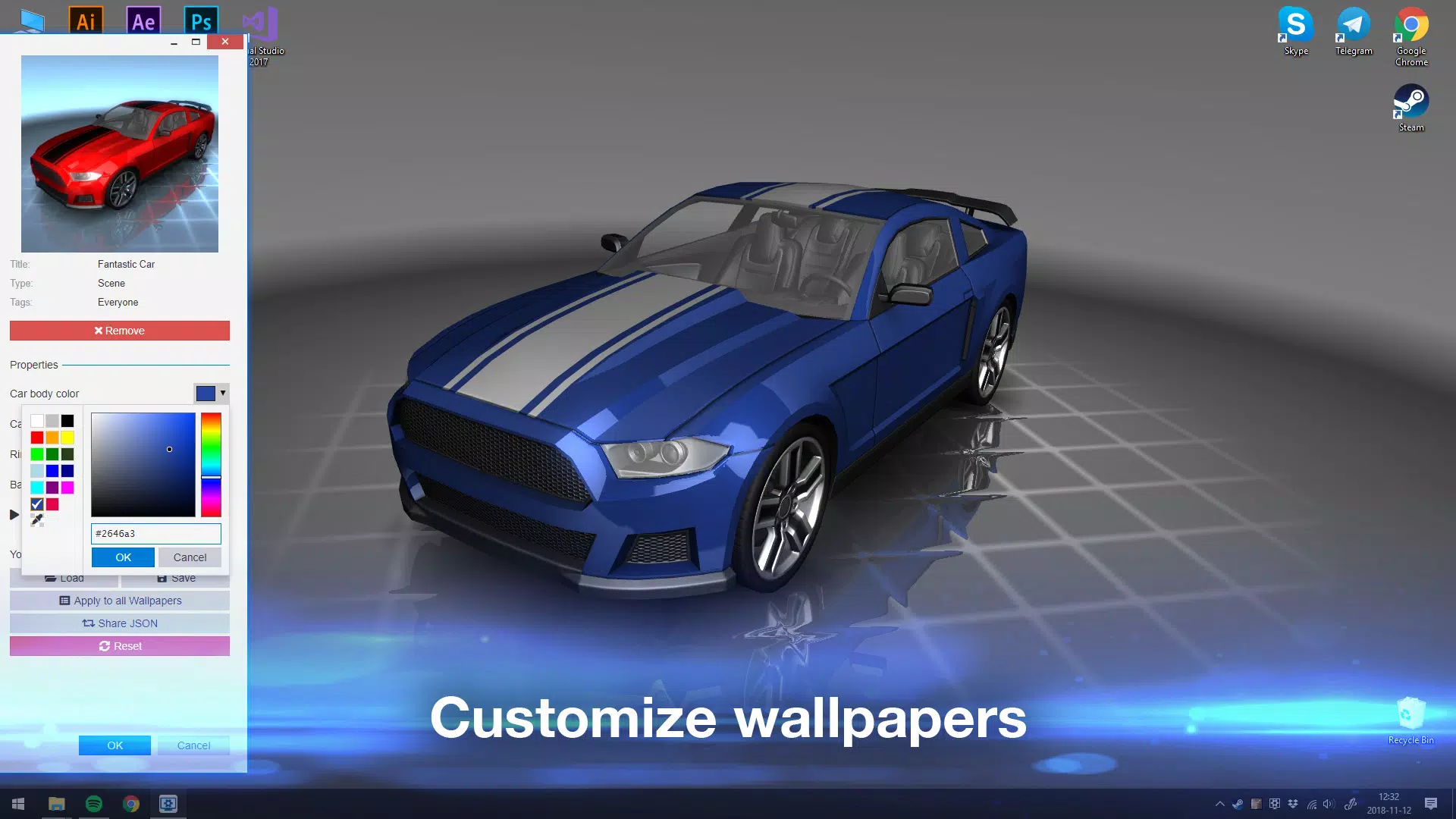
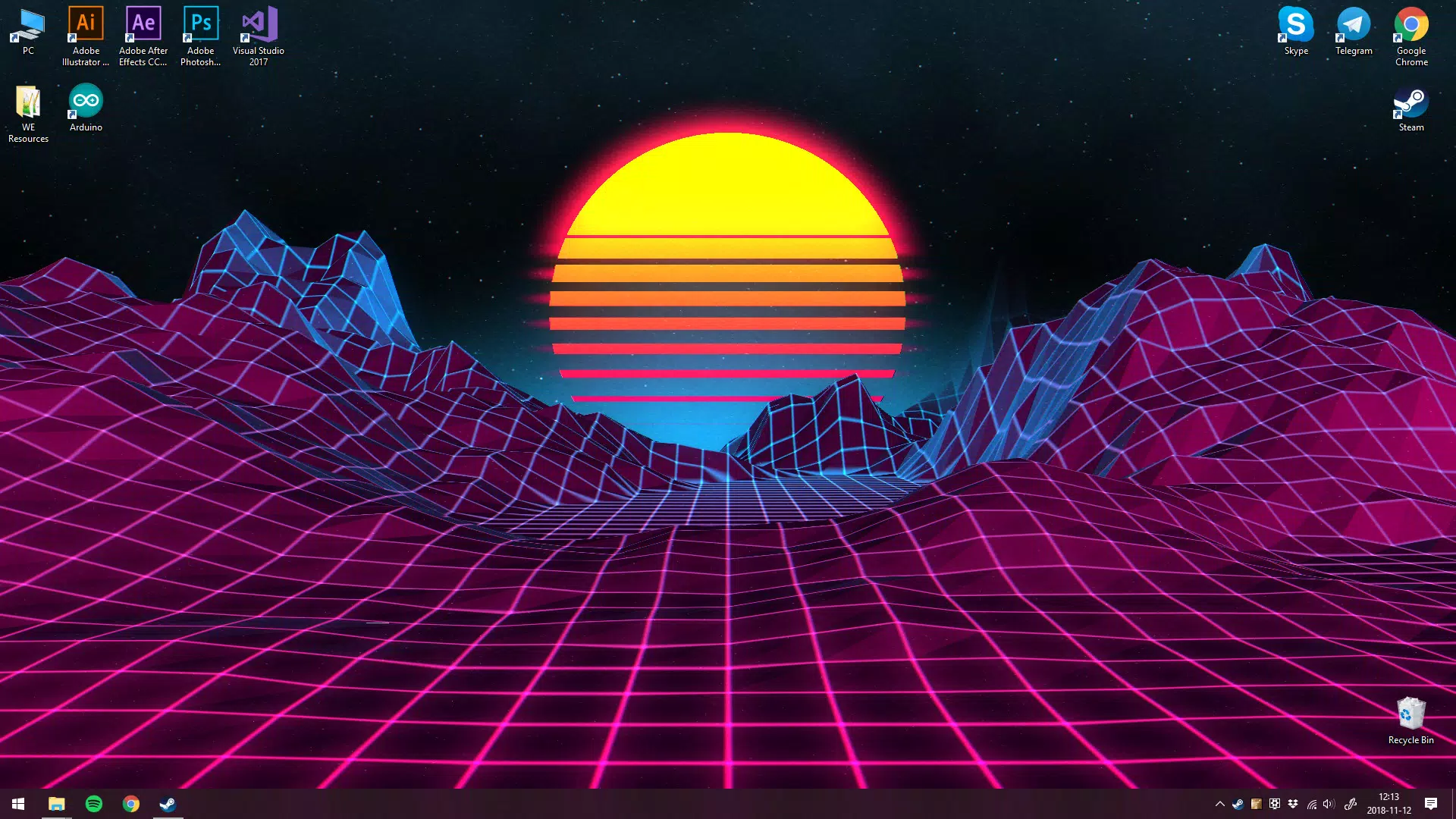
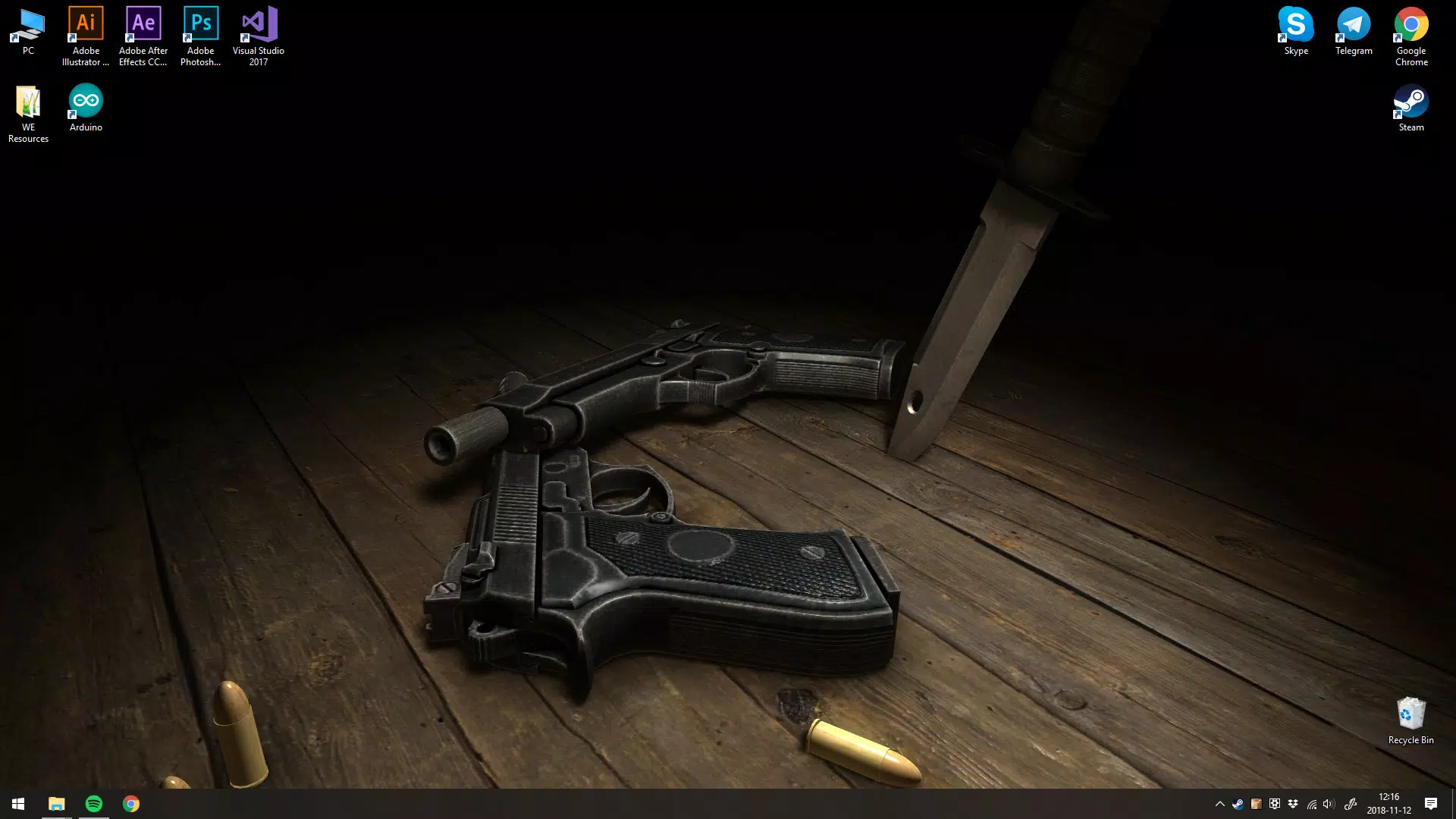
- Interactive Wallpapers: Users can apply animated and responsive wallpapers that react to touch, motion, or system events, creating a dynamic visual experience on the home screen and lock screen.
- Sync with Desktop Version: The app enables real-time synchronization with the desktop Wallpaper Engine, allowing users to transfer their favorite live wallpapers from PC to Android seamlessly.
- Support for Diverse Formats: Wallpapers created using video, 2D/3D animations, or HTML-based content can be transferred and displayed on Android, offering broad creative flexibility.
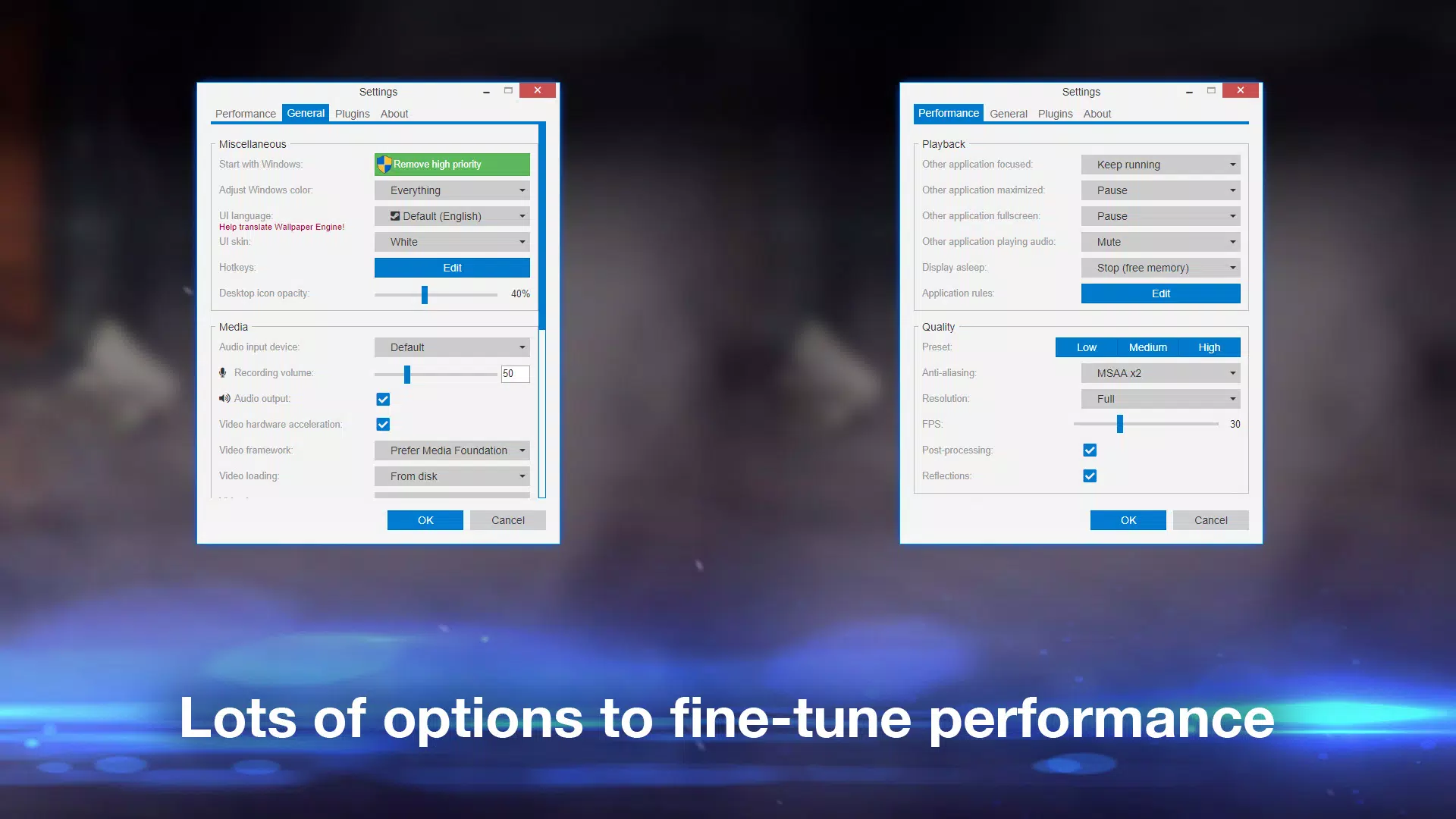
- Low-Resource Operation: The app is optimized to minimize battery and CPU usage, ensuring smooth performance without significantly impacting device longevity or responsiveness.
- Community-Driven Content: Access to a large library of user-generated wallpapers via the Steam Workshop allows users to explore and download new visuals regularly.
Interface, UX & Performance
The user interface of Wallpaper Engine on Android is designed with simplicity and visual clarity in mind. The layout emphasizes content discovery, presenting wallpapers in a clean, scrollable grid format. Navigation is intuitive, allowing users to browse categories, search for specific themes, or view recently installed items. The app’s visual style aligns with modern Android design principles, using subtle animations and responsive feedback to enhance usability. Users can easily apply wallpapers to the home screen, lock screen, or both, with a straightforward selection and confirmation process. The interface adapts well to different screen sizes and aspect ratios, ensuring a consistent experience across devices. Although the developer did not list formal performance metrics, the app appears to be optimized for smooth rendering, with minimal lag during transitions or interactions. Responsiveness is maintained even when multiple animations are active, suggesting efficient resource management. Stability is a notable strength, with no reported issues related to crashes or freezes. The app maintains compatibility with standard Android behaviors, such as battery-saving modes, without disrupting wallpaper functionality. However, specific requirements for device performance, such as minimum RAM or GPU capabilities, were not disclosed.Platform Compatibility & Technical Requirements
Wallpaper Engine is available for Android devices and operates within the Android ecosystem. The app is compatible with Android 8.0 and above, though the developer did not specify exact minimum OS requirements. The file size is approximately 120 MB, making it suitable for devices with moderate storage capacity. The software version is 1.0.0, indicating an early release stage with potential for future updates. While the app is designed for mobile use, it relies on a desktop counterpart for full functionality. Users must first set up their wallpapers on the desktop version to transfer them to their Android device. The developer did not provide detailed information on device compatibility, including supported screen resolutions or hardware acceleration features. As such, users are advised to ensure their device meets general Android standards for running live wallpapers.Pros and Cons
- Seamless synchronization with desktop Wallpaper Engine
- Supports a wide variety of animated and interactive content
- Minimal impact on battery and system performance
- Access to a large, community-driven library of wallpapers
- Intuitive interface with smooth navigation
- Requires a desktop version for full functionality
- Specific device compatibility details not disclosed
- May not support all desktop-created content on mobile
- Limited customization options within the mobile app itself
- Dependent on Steam Workshop for content availability
FAQ
Is Wallpaper Engine free to download?
Yes, the Wallpaper Engine companion app for Android is available at no cost. However, the desktop version is a paid application, and content from the Steam Workshop may require purchase or be free.
Can I use my desktop wallpapers on Android?
Yes, the app allows users to sync animated wallpapers created on the desktop version of Wallpaper Engine to their Android device, provided the content is compatible with mobile rendering.
Does the app drain the battery quickly?
Wallpaper Engine is designed to minimize battery consumption. It uses optimized rendering and pauses animations during screen off or when the device is in low-power mode.
What types of wallpapers are supported?
The app supports animated wallpapers, including videos, 2D/3D animations, and interactive HTML-based content, as long as they are compatible with the mobile platform.
How do I update the app?
Updates are delivered through the Google Play Store. Users should ensure automatic updates are enabled to receive the latest features and security patches.


